Life is really at peak when I just started picking up steam then my aprtment got flooded. Getting back to work now after Thanksgiving, 21 days until prototype, and I’m getting a bit disappointed on the progress. But there’s no time for lamenting, the show must go on!
Today I let the ADHD drove me to create some mock up for the Inventory UI. I’ve been following the tutorial Inventory System as mentioned in previous post, but like many game tutorials, I was bothered by their poor UI asthetics (I love the tutorials but why do UI graphics always look like they are for mid 2000 RPGs?). I also wanted to have a basic workflow setup for custom UI creations, one of the considerings was what software to use. I settled with Photopea app (you can install it as standalone app if you’re using Chrome), and it’s ludicrously intuitive if you’ve used Photoshop before. Because of this similarity, you can straight up use the Photoshop tutorials on some of the effects.
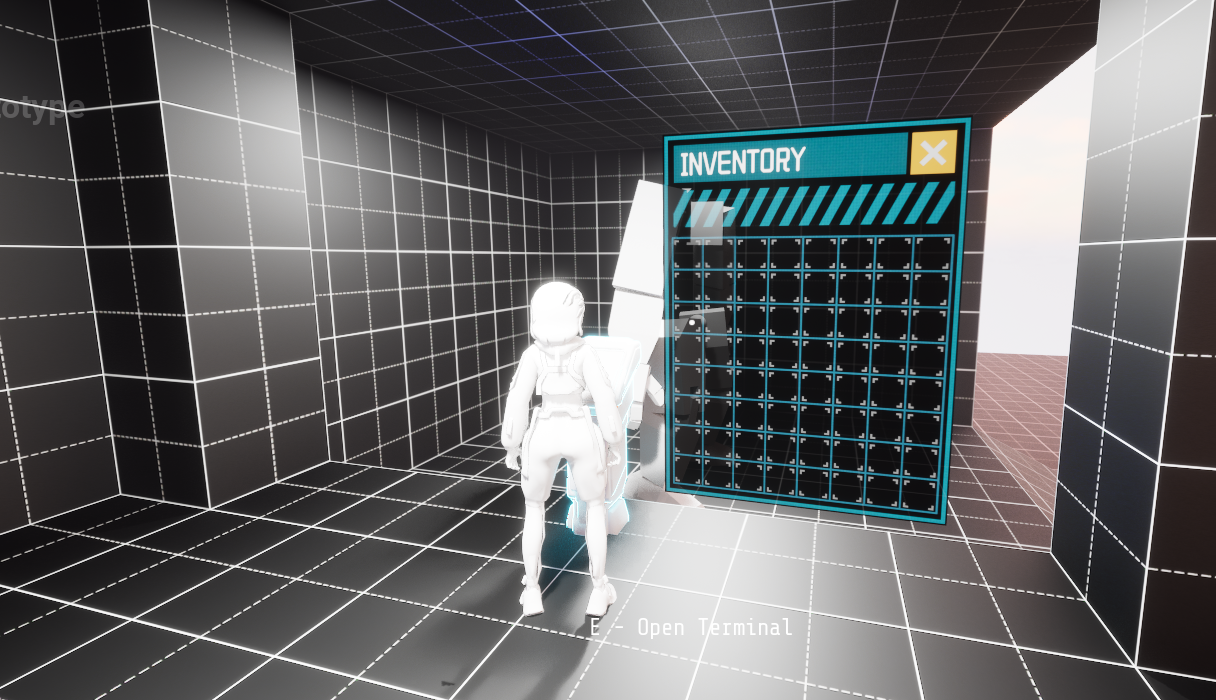
I also made a 3D version of the inventory widget. I think the large sized inventory is mainly used with terminal and mech, so it makes sens to be diegetic.
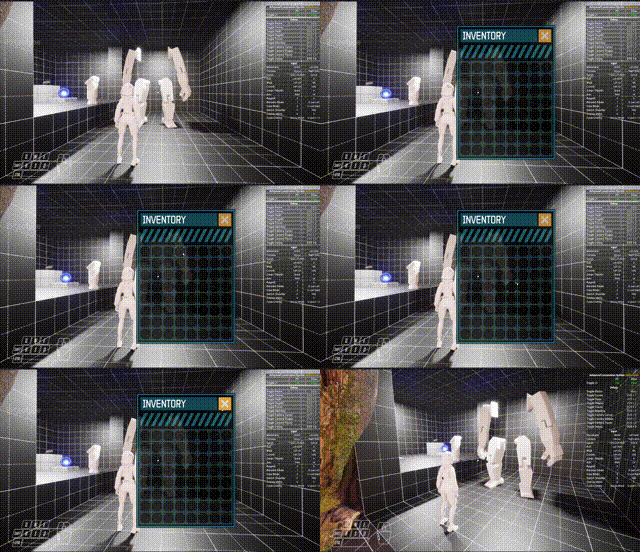
The inventory toggling is working, I even used the Uniform Grid to create the inventory slots. The next step is to make the slots actually meaningful. I want to implement Dredge and Resident Evil 4 style inventory where an item can take up multiple slots. I do have another thought on the inventory system:
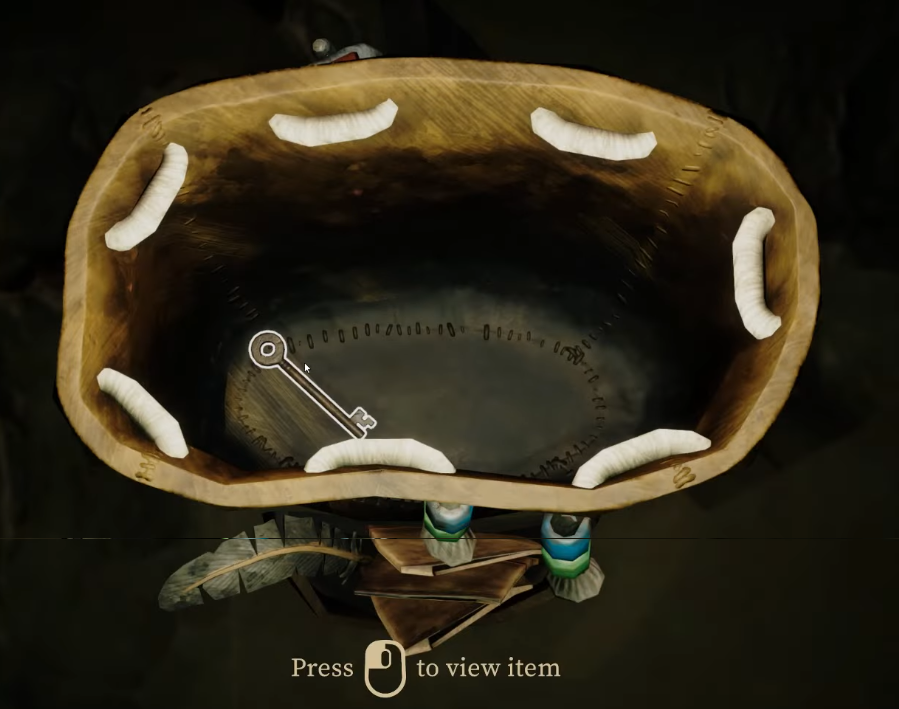
We can have a physical inventory system just like the game Cairn, where the backpack and items are actual 3D objects. This is not a new idea ofc, reminds me of the inventory we built for Impasto game and it was gorgeous in my opinion compare to traditional UI. Now the objects can have real physics, and every bumps you hit or harsh jump you land in a mech can damage the items in the backpack (assuming we’re talking about the mech inventory), and it’s intuitive in that regard.
ADHD hyper focused on the UI creation and forgot about dinner and spent way too much time on art
In game 3D widget does not support background blurring out of the box, because blur is a screen-space effect. Work around involves using SceneCapture2D which imo is way too much. It’s easier just to make the widget opaque instead of translucent.
3D widget material makes the UI too glowy. I had to tune down the emssive color to make the widget look more natural.